The Streamer's Link Hub: Schedules, VODs, Tip Goals & Merch in One Place
When you go live, viewers from TikTok, YouTube Shorts, and X need one place to find your stream, VOD archive, Discord, and merch without hunting.
Key takeaways
- Pin your live channel and weekly stream schedule at the very top.
- Embed your latest YouTube VODs or highlight clips right inside your bio.
- Use sub-pages or dedicated cards for merch drops, tip goals, and sponsor links.
Turn short-form clips into live viewers
Clips on TikTok and Shorts bring in waves of new viewers, but they only convert into regulars if your bio link immediately answers two questions: where do you stream, and when are you live next?
The ideal streamer link layout
- Live stream button: Featured at the top with high-contrast styling.
- Weekly schedule & Discord: Make community links easy to find on mobile.
- VODs & YouTube embeds: Let offline visitors watch your best highlights right away.
- Merch & tip goals: Keep supporter links cleanly separated from social profiles.
Templates built for streamers & video creators
Preview how Dockks highlights live schedules, tip goals, and merch.
Live Stream Hub template
Streamers and developers
Tip Goal template
Artists and open-source creators
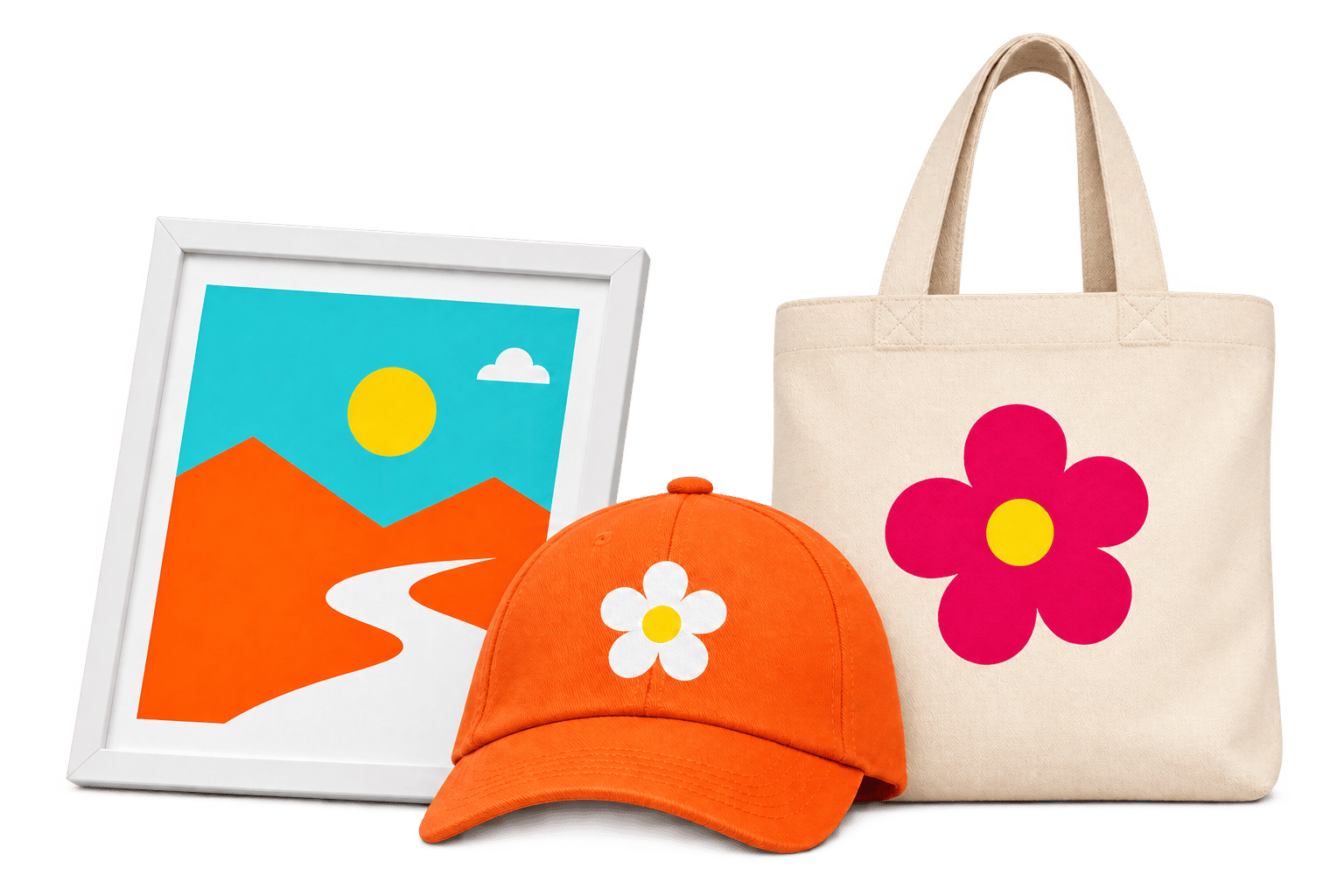
Merch Drop template
Apparel and creator merch
Level up your stream bio link
Launch a fast, bold streamer hub on Dockks in minutes.
More from the blog
All posts- Product
Meet Dockks: One Link for Everything You Share
Why we built Dockks: a fast link-in-bio hub with multi-page layouts, built-in short links, QR codes, and creator-ready templates.
- Guides
Best Linktree Alternatives for Creators in 2027
Comparing the top Linktree alternatives for 2027—and why creators choose Dockks for multi-page layouts, 50 templates, and built-in short links.